
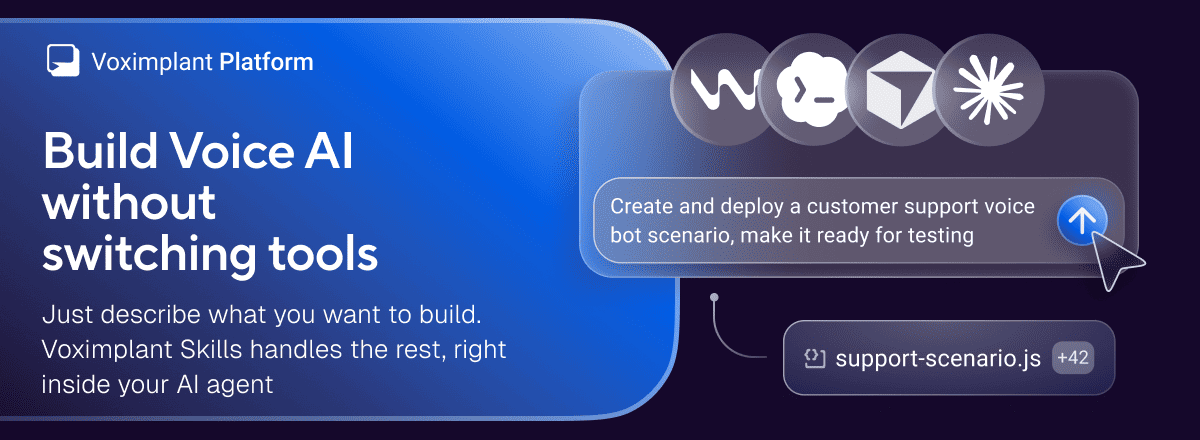
Most developers learn a new platform the same way: read the docs, write some code, hit an error, search the docs again, configure something in the console, repeat. It works, It's just slow. Agent Skills lets your coding agent handle that loop instead.
What this is
Agent Skills is a set of skills for Cursor, Claude Code, Codex, and other coding agents. Point your agent at the skills, describe what you want to build, and it writes the code, sets up platform resources, deploys, tests, and debugs — without you switching tabs.
What the agent can do
Tell it your use case in plain language. It figures out the implementation.
Some prompts that work out of the box:
Help me build an inbound Voice AI call flow.
Deploy and test what I just built.
I am new to Voximplant. Please choose safe defaults and tell me exactly which credentials you need.
The agent writes the code, creates platform resources after your approval, deploys, runs a test call, retrieves logs if something breaks, and debugs from there. Sensitive actions like billing, account verification and security-critical changes still require you using the platform directly.
What you need to get started
A Voximplant account and a service account JSON file. Don't know how to create a service account and get JSON? Just ask an agent, they'll help you!
You may also need service provider API keys if you plan to use an external provider of artificial intelligence, voice recognition, speech synthesis, or other technologies for your scenario (e.g., OpenAI, Gemini, etc.). The agent handles the rest.
Full setup in the README: https://github.com/voximplant/voximplant-ai-agent-skills