


Queues reports
- On the left sidebar, select Reporting > Reports.
- Select Queues.
- On the Calls tab, set the report date range.
- Specify the data display interval: per Hour, Day, Week, Month, or All time.
- Review the report.
A queue call report includes the following information:
Service level (%) — the ratio of calls answered in the queue within the specified SL-period to the total number of calls.
SL-period — the threshold time a customer waits in the queue for an available agent required for the queue service level (SL) calculation. The default SL-period is 20 seconds.
When you edit the SL-period for a queue, its Service level ratio for the current hour is re-calculated according to the modified SL-period. The queue Service level ratios for the previous hours remain unchanged.
Total calls — the total number of handled and missed calls. Missed calls include abandoned and lost calls. A call is abandoned when a customer answers the call but is not connected to an agent. The customer hangs up while waiting in the queue, or the maximum waiting time elapses. If all agents are in the Offline or DND status, then the call is also abandoned. A call is lost when a customer is removed from the queue by the system without being assigned to an agent. This happens when the queue has no agents. The call is also lost when all agents are in the Banned status or in a custom status.
Handled calls — the number of calls handled in the queue within the specified period.
Handled calls (%) — the ratio of the calls handled in the queue to the total number of calls.
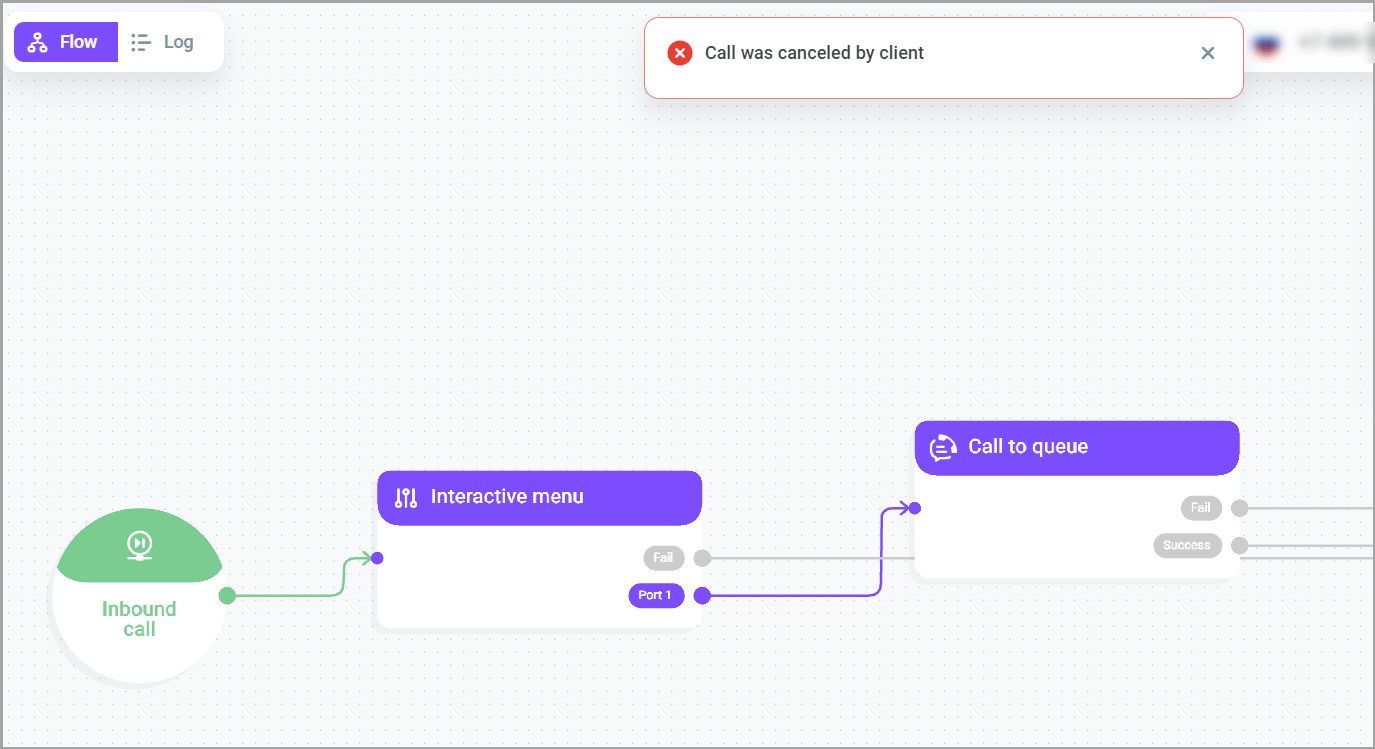
Lost calls — the number of lost calls in the queue within the specified period. A call is lost when a customer is removed from the queue by the system without being assigned to an agent. This happens when the queue has no agents. The call is also lost when all agents are in the Banned status or in a custom status. The Route call to "Fail" port if no agents are available switch determines whether the call stays in the queue or immediately goes to the Fail port of the Call to queue block. For details, see Call to queue.

Lost calls (%) — the ratio of lost calls in the queue to the total number of calls.
Abandoned calls — the number of abandoned calls in the queue within the specified period. A call is abandoned when a customer answers the call but is not connected to an agent. The customer hangs up while waiting in the queue, or the maximum waiting time elapses. If all agents are in the Offline or DND status, then the call is also abandoned.
Avg. time in queue — average time a customer spends in the queue. The calculation includes both handled and missed calls.
Min. time in queue — minimum time a customer spends in the queue.
Max. time in queue — the longest time a customer spends in the queue.
Avg. response time — average time a customer waits in the queue until an agent answers the call. The calculation includes only handled calls.
Avg. handle time — average time it takes an agent to handle an inbound call in the queue (In service + After service).
Avg. after service time — average time queue agents spend on post-call activities (after service).
Transferred calls (%) — the ratio of the calls transferred to another agent/queue to the total number of handled calls.
Holds — the total number of holds used in the calls handled in the queue.
Calls on hold (%) — the ratio of calls put on hold at least once to the total number of calls handled in the queue.
Avg. hold time — the ratio of the total hold time to the total number of calls handled in the queue.
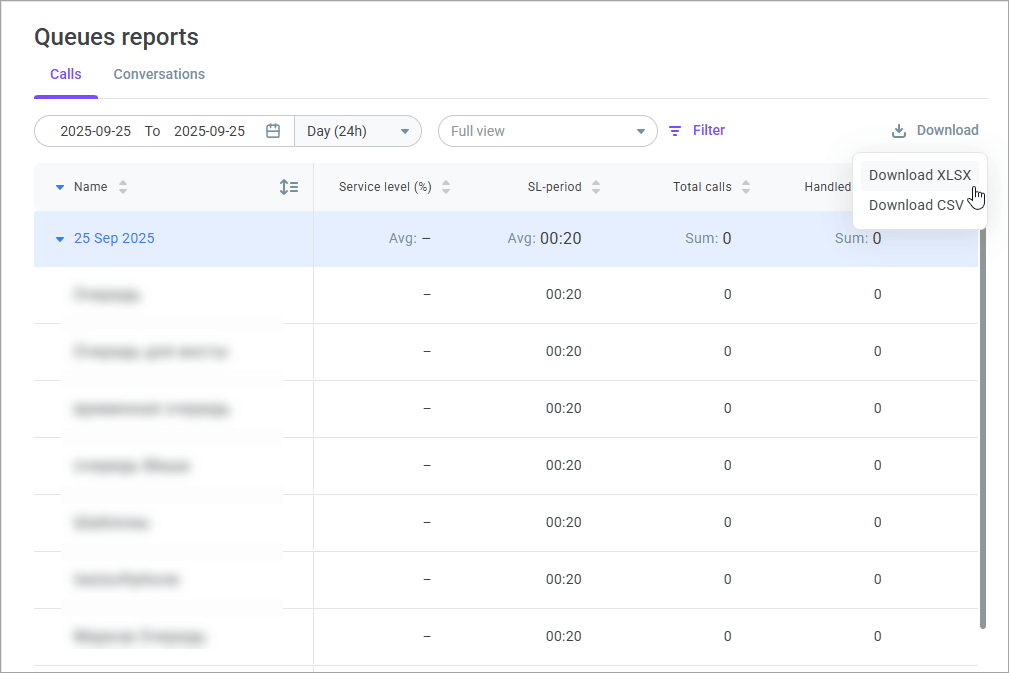
- Click the Download button to download the report as an .xls or .csv file.
- Click the Settings icon to select which queues you want to monitor and which columns you want to display. You can save your filters as a custom view and share it with other users.