Function for requesting a third-party service
In this example, the function takes the customer phone number from the call, searches for the user in Zendesk, and writes the name to the userName variable. You can use the variable in a scenario, for example in the Text-to-speech block, to greet the customer by name.
- Go to Administration > Functions > Variables.
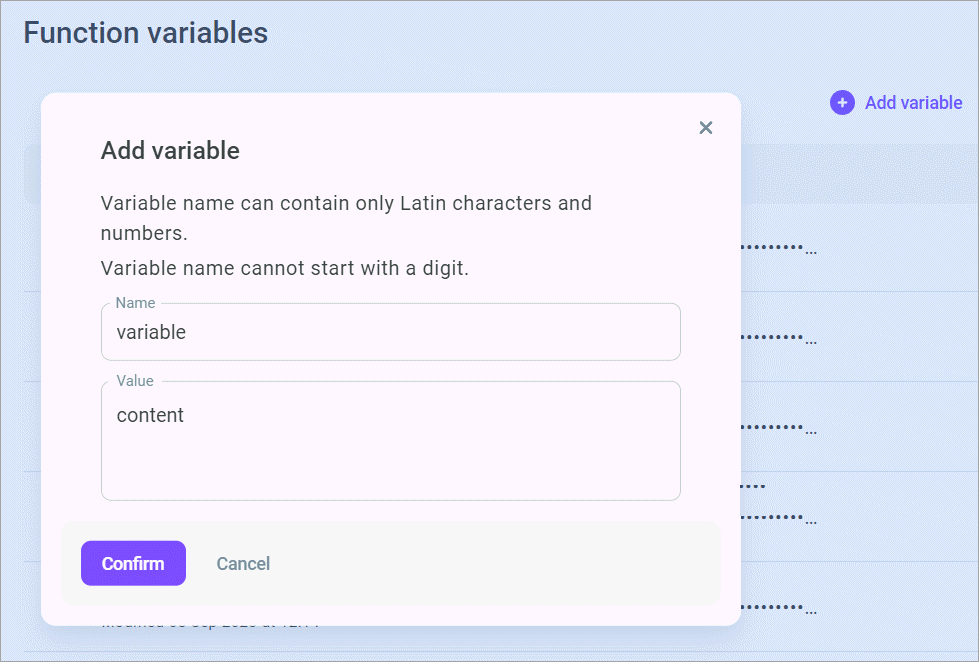
- Add the ZENDESK_SUBDOMAIN, ZENDESK_EMAIL, and ZENDESK_API_TOKEN variables. Enter your own values. Do not put the values in the function code.
For ZENDESK_SUBDOMAIN, enter only the subdomain, without the scheme or domain. For https://sbd4-somecompanyname.zendesk.com/, the value is sbd4-somecompanyname.
For details on adding variables, see Adding a variable.
- Go to the Configuration subsection and add the axios module. For details, see Creating a dependence.
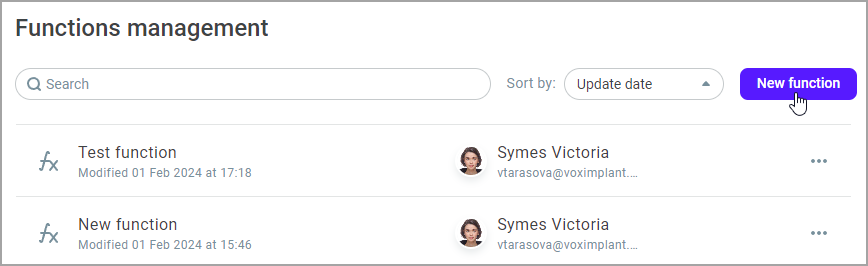
- Go to the Management subsection and click New function.
- Copy the following code and paste it into the function on the Code tab.
Function for requesting a third-party service
- Click Create.
- Go to Administration > Automation > Outbound scenarios and click Blank scenario.
- Connect the Function request block. In the block settings, select the created function.

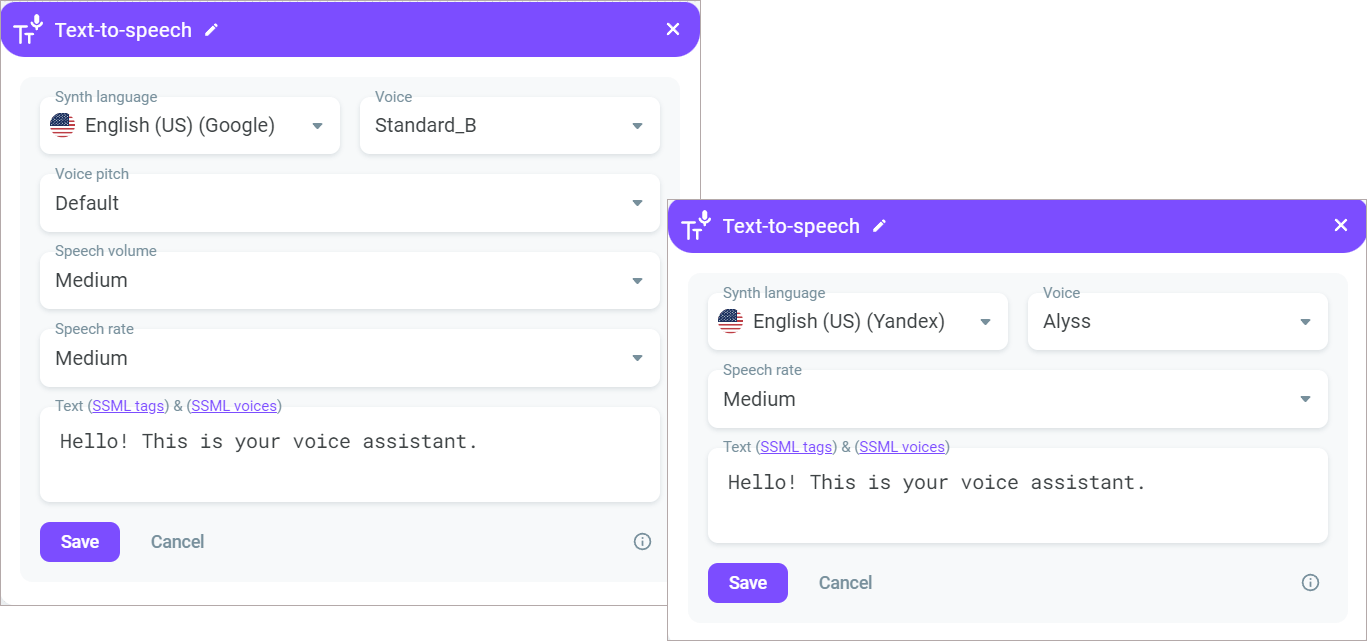
- Connect the Text-to-speech block to the Function request block. In the input field, insert the {{userName}} variable.