


Secret storage
Voximplant provides a secret storage for keeping your sensitive data such as passwords, API keys, or tokens and using them in your application.
Managing secrets
To create a secret:
- Open your control panel and select a necessary application
- Select Secrets in the left menu
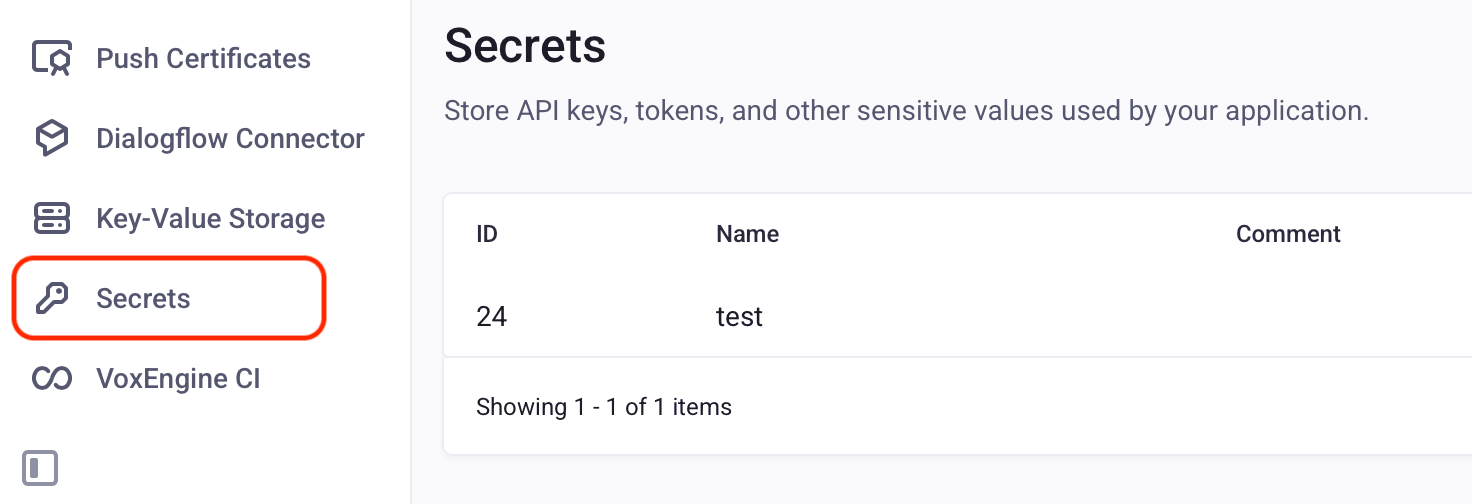
- Click the Add secret button and follow the instructions to create a secret
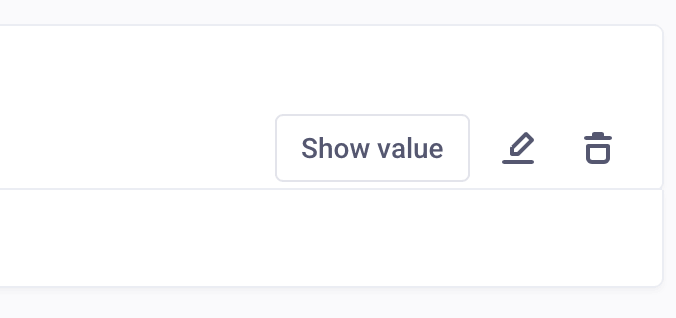
To edit or delete the secret, click the corresponding button in the secret record:
Management API
You can create, edit, and delete secrets via Management API requests. Use the AddSecret, DelSecret, GetSecrets, GetSecretValue, and SetSecretInfo methods to manage secrets.
Usage
To use a saved secret in your scenario, use the VoxEngine.getSecretValue() method.
Here's a example on how to get a secret in a scenario:
Getting a secret in a scenario